Dynamics 365 Order Management Integrations
Orchestrates the full order cycle in Microsoft Dynamics 365. Preconfigured and unified to your order operations.


.png?width=300&name=Walmart%20Marketplace%20(1).png)



.png?width=300&name=Walmart%20Marketplace%20(1).png)



.png?width=300&name=Walmart%20Marketplace%20(1).png)



.png?width=300&name=Walmart%20Marketplace%20(1).png)



.png?width=300&name=Walmart%20Marketplace%20(1).png)



How OrderEase Works with Dynamics 365
OrderEase manages the entire order lifecycle in your Dynamics 365 environment. It validates, standardizes, and formats orders from B2B channels to match your Dynamics 365 configuration before processing. Dynamics 365 stays your system of record, while OrderEase handles upstream complexity and exceptions to maintain ERP stability.

|
Preconfigured IntegrationsOrderEase provides prebuilt, maintained Dynamics 365 connections and standardized workflows. This ensures predictable order flow and operational control without custom scripts, middleware, or ERP redesign. |
Who This Integration Is For
Dynamics 365 Order Management Integrations help manufacturers and distributors using Dynamics 365 manage orders from multiple sources with different structures, timing, and business rules. OrderEase handles upstream complexity, so Dynamics 365 remains the stable system of record.
Your existing ERP workflows, configurations, and downstream processes stay unchanged because OrderEase manages channel-specific logic without custom scripts, middleware, or ERP redesign.
Dynamics 365 ↔ OrderEase
Business Impact
What This Means for Your Business
OrderEase controls order creation in Dynamics 365, making order volume easier to manage.
Reduce Manual Intervention
Problems are identified and resolved before orders reach your ERP. Your Dynamics 365 team spends less time on data cleanup and manual fixes.
Stable Dynamics 365 Workflows
Existing Dynamics 365 workflows continue to function as designed. New order sources and channels do not introduce unexpected behavior or require constant configuration changes.
Onboard New channels Faster
Add new retailers, marketplaces or partners without rewriting ERP processes. Onboarding takes less time and creates less disruption.
Fewer ERP-Driven Projects
Order-related changes no longer turn into Dynamics 365 customization projects. Teams avoid repeated cycles of customization, testing and regression fixes tied to order intake.
Correct Orders in Dynamics 365
Orders enter Dynamics 365 in a usable state. Teams spend less time fixing pricing issues, missing fields and structural errors after orders are created.
Predictable Day-to-Day Operations
Order volume can increase without creating operational fire drills. Your team knows what to expect because variability is handled upstream.
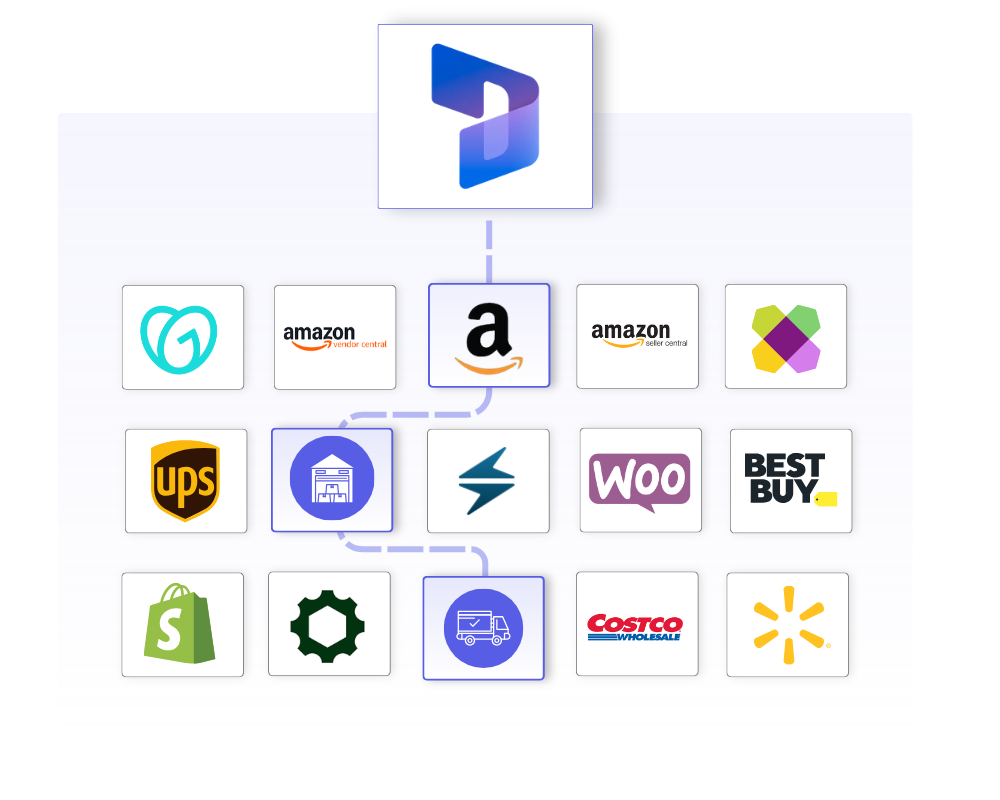
Featured Dynamics 365 Integrations
Discover More IntegrationsExplore our full integration marketplace and see how OrderEase connects your ERP to the channels, marketplaces, and systems you rely on. |
Dynamics 365 Use Cases
Common Dynamics 365 Order Management Use Cases
OrderEase supports Dynamics 365 without custom development.
Order Intake & Standardization
Capture orders from EDI, ecommerce portals, wholesale buyers, sales reps and emailed purchase orders. Standardize their structure and validate business rules before they reach Dynamics 365, so your ERP doesn’t have to manage channel variability.
Upstream Order Validation
Validate customer eligibility, product availability, pricing and required fields before orders move forward. Use settings to define what happens if a customer or product is missing and which pricing source applies. Handle categories, catalogs and customer groups appropriately by keeping them in OrderEase.
Operational Visibility Outside ERP
Gain visibility into order flow, fulfillment status and invoicing without turning Dynamics 365 into an operational dashboard. View historic sync activity, per‑record integration status and logs to understand when and how data has moved.
Scaling Order Volume & Minimizing ERP Overhead
Support growth across new channels and high order volumes without adding ERP projects. By handling upstream validation, transformation and routing outside Dynamics 365, you can scale operations while maintaining ERP stability.
Configured Dynamics 365 Sync Settings
Control how and when orders flow into Dynamics 365 when they are ready and in the correct state.
Push on Status
Choose whether orders push to Dynamics 365 when they are submitted or confirmed.
Real-Time Order Sync
Enable or disable automatic real-time order push to Dynamics 365.
Missing Customer Rule
Define behavior if a customer does not exist in Dynamics 365 when an order is pushed.
Missing Product Rule
Define behavior if a product does not exist in Dynamics 365 when an order is pushed.
Pricing Source Selection
Choose whether pricing is:
- Pulled from Dynamics 365 price lists
- Calculated within OrderEase
Control which customers are synchronized so only relevant accounts are included.
Customer Sync
Enable or disable customer synchronization.
Archived Customers
Option to include archived customers during sync.
Customer Type Exclusion
Exclude specific customer types from synchronization.
Manual Customer Sync
“Force Update” option for individual customer records.
Define how product data attributes flows so catalogs stay accurate and aligned with your ERP.
Product Sync
Enable or disable product synchronization.
Inactive Products
Option to include inactive products during sync.
Category Sync
Enable or disable category synchronization. When enabled, Dynamics 365 is the source of truth for categories.
Manual Product Sync
On-demand “Sync Now” option available.
Unify shipment and fulfillment data so shipping activities stay aligned across systems.
Carrier Selection
Connect to supported carriers via shipping connectors.
Real‑Time Tracking
Enable real‑time shipment tracking so customers and internal teams have up‑to‑the‑minute delivery updates.
Shipping Labels
Automate shipping label creation and printing from OrderEase.
Multi‑Channel Shipping
Synchronize shipping data across all sales channels, so that orders from any channel follow the same shipping rules.
Ensure invoice and tax data flows cleanly between NetSuite and OrderEase for accurate billing.
Create Invoices in OrderEase
Pulls invoices from Dynamics 365 into OrderEase.
Pull Taxes from Dynamics 365
Pull Taxes from Dynamics 365 to OrderEase.
Frequently Asked Questions About Dynamics 365 Order Management Integrations
Native Dynamics 365 order entry works well for structured, internal sales processes. It was not designed to handle high volumes of multi‑channel, exception‑heavy B2B orders. When orders originate from eCommerce, EDI, marketplaces or sales reps, ERP teams often end up handling manual entry, custom scripts and ongoing cleanup. OrderEase standardizes and validates orders before they reach Dynamics 365, reducing manual effort.
Dynamics 365 includes order‑management functionality within its ERP modules, but it is not a standalone orchestration platform. OrderEase acts as an upstream order‑management layer, standardizing and validating orders before they reach Dynamics 365. Your ERP remains the system of record while OrderEase manages workflow complexity outside it.
OrderEase connects to Dynamics 365 through a prebuilt integration that synchronizes core data such as customers, products, inventory, pricing, orders, shipments and invoices. Data flows are structured and standardized, with configurable sync timing, validation rules and order‑handling settings. Dynamics 365 remains your source of truth, while OrderEase manages order orchestration outside the ERP.