Orchestrates how orders flow through NetSuite. Preconfigured, not coded.
-1.png?width=600&height=600&name=Untitled%20design%20(89)-1.png)


.png?width=300&name=Walmart%20Marketplace%20(1).png)



.png?width=300&name=Walmart%20Marketplace%20(1).png)



.png?width=300&name=Walmart%20Marketplace%20(1).png)



.png?width=300&name=Walmart%20Marketplace%20(1).png)



.png?width=300&name=Walmart%20Marketplace%20(1).png)



How OrderEase Works with NetSuite
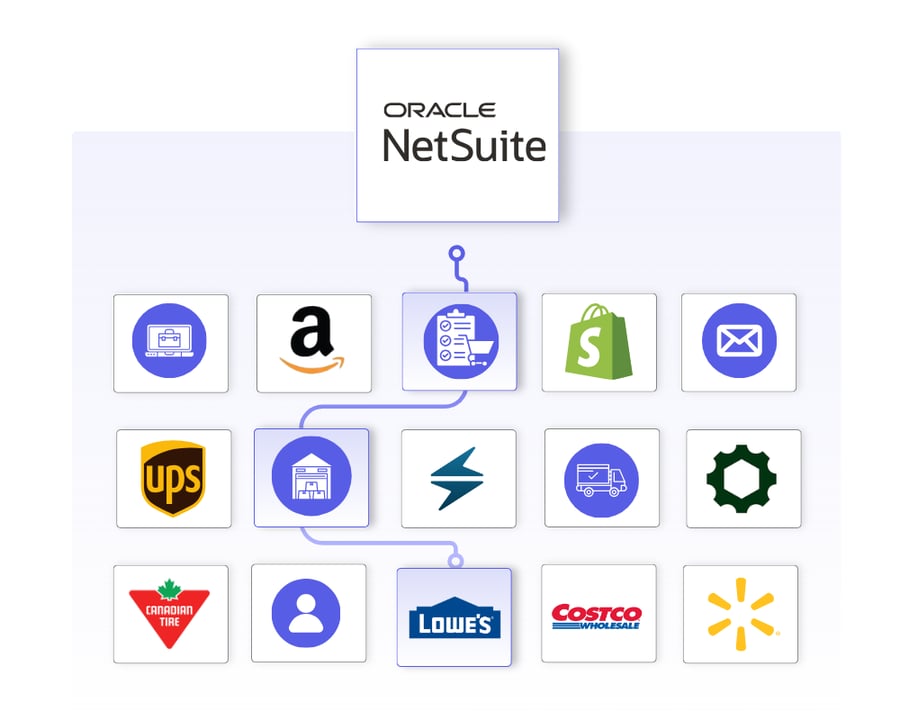
OrderEase orchestrates the full order lifecycle around NetSuite. Orders are captured from connected sales channels, validated against defined business rules, and structured to match your NetSuite configuration before they are created as ERP transactions.
Operational updates such as fulfillment status and invoicing signals are coordinated across connected systems without introducing channel-specific logic into NetSuite. This allows NetSuite to remain the system of record while OrderEase manages upstream complexity, variability, and control.

|
Preconfigured IntegrationsThis is not a build-your-own integration. OrderEase delivers prebuilt, maintained NetSuite connections with standardized workflows out of the box. |
Who This Integration Is For
This NetSuite integration is built for teams managing orders across multiple sources where order structure, timing, and business rules vary by channel. OrderEase manages upstream complexity so NetSuite can remain stable as the system of record.
Existing NetSuite workflows, configurations, and downstream processes remain intact while channel-specific logic is managed by OrderEase without custom scripts, middleware, or ERP redesign.
NetSuite ↔ OrderEase
Business Impact
What This Means for Your Business
OrderEase controls how orders are created in NetSuite, making order volume easier to manage.
Reduce Manual Intervention
Problems are surfaced and resolved before orders reach the ERP. NetSuite admins and operations teams deal with fewer cleanup tasks and manual fixes.
Stable NetSuite Workflows
Existing NetSuite workflows continue to work as expected. New order sources do not introduce unexpected behavior or require constant adjustment.
Easier Onboarding of New Channels
New retailers, marketplaces, and partners can be added without changing NetSuite configuration. Onboarding takes less time and creates less internal disruption.
Fewer ERP-Driven Projects
Order-related changes no longer turn into NetSuite projects. Teams avoid repeated cycles of customization, testing, and regression fixes tied to order intake.
Correct Orders in NetSuite
Orders enter NetSuite in a usable state. Teams spend less time fixing pricing issues, missing fields, and structural errors after orders are created.
Predictable Day-to-Day Operations
Order volume can increase without creating operational fire drills. Teams know what to expect from NetSuite because variability is handled upstream.
Featured NetSuite Integrations
Discover More IntegrationsExplore our full integration marketplace and see how OrderEase connects your ERP to the channels, marketplaces, and systems you rely on. |
NetSuite Use Cases
Common NetSuite Order Management Use Cases
OrderEase supports NetSuite without custom development.
Order Intake & Standardization
Orders from EDI, eCommerce, sales reps, and B2B portals are captured and standardized into a single operational model before reaching NetSuite.
Upstream Order Validation
Customer eligibility, product availability, pricing, quantities, and required fields are validated before orders move forward.
Operational Visibility Outside ERP
OrderEase provides visibility into order flow, fulfillment status, and invoicing without forcing NetSuite to act as an operational dashboard.
Scaling Order Volume
Orders are mapped to your existing NetSuite configuration without requiring ERP redesign.
Configured NetSuite Sync Settings
Control how and when orders flow into NetSuite when they are ready and in the correct state.
Use NetSuite Pricing for Orders
If you would like NetSuite to always override the prices and not keep the prices as seen on the orders in our system
Push NetSuite on Status
This setting allows you to specify if orders should push down to NetSuite on a different status, allowing for actioning on an order versus submitting it immediately upon submission
Override Default Shipping
Used to override the NetSuite shipment defaults on order push
Default Order Number
If NetSuite does not generate unique sales order numbers, this setting lets OrderEase push its own SO number to prevent duplicates.
Remove Zero Qty
If using “confirmed” status in OE for orders, this setting lets our NetSuite integration to remove any SKUs on the order push to NetSuite that have confirmed qtys as zero
Specific Customers
If using OE to pull orders from NetSuite and create them in our system, this setting lets the user specify what customers OE should actively pull orders for
Custom Fields
Select a NetSuite field and decide the data that should be pushed in.
Select which NetSuite locations OrderEase uses for inventory checks, so availability is accurate and orders are routed correctly from the start.
Allowed Locations
Select all applicable locations you would like us to bring in inventory from in our system
Default Locations
Choose a location as a default location if a customer does not have location assignments done in NetSuite
Control which customers are synchronized so only relevant accounts are included.
Sync active/inactive customers
If this setting is turned on, OE will actively remove customers from our system that are marked inactive on NetSuite after the initial OE import
Customer Types
Select what customer types to bring into OrderEase from NetSuite - Companies or individuals
Customer statuses and categories
Further options to specify what customers OE should bring in from NetSuite
Exclude customers from integration
With the NetSuite customer id, you can ask us not to bring in that customer, or its ship-to records
Sync only customers
OE will only bring in these specific customers and no other ones
Sales Rep Mapping
Automate sales rep assignments from NetSuite to OrderEase
Define how product data attributes flows so catalogs stay accurate and aligned with your ERP.
Sync inactive products
Bring in products from NetSuite that are marked inactive into our system
Product Types to Pull
Specify the product types OrderEase should bring in from NetSuite
Currency Code
This is the currency code that will be used to pull pricing into OE
Customer fields
Maps a custom NetSuite field from products to the OrderEase product “category” field
Product features mapping
Allows for OrderEase-created product features to be mapped to NetSuite such as Color, Size, Brand, Ingredients.
Unify shipment and fulfillment data so shipping activities stay aligned across systems.
Create Item Fulfillments
Allows OrderEase to push shipments from our system to NetSuite
Include Shipping Cost
Includes shipping cost from OrderEase, mapped to NetSuite shipments
Create Shipment in OrderEase
Pulls shipments from NetSuite to create in OE
Custom field mappings
Allow custom field mappings on shipment/fulfillment creation in NetSuite
Ensure invoice and tax data flows cleanly between NetSuite and OrderEase for accurate billing.
Create Invoices in OrderEase
Pulls invoices from NetSuite into OrderEase
Pull Taxes from NetSuite
Pull Taxes from NetSuite to OrderEase
Frequently Asked Questions About NetSuite Integrations
Native NetSuite order entry works well for structured, internal sales processes, but it was not designed to manage high volumes of multi-channel, exception-heavy B2B orders. When orders originate from eCommerce, EDI, marketplaces, or sales reps, ERP teams often end up handling manual entry, custom scripts, workflow edits, and ongoing exception cleanup inside NetSuite. OrderEase improves NetSuite order entry by standardizing and validating orders before they reach the ERP.
NetSuite includes order management functionality within its ERP, but it is not a standalone Order Management System designed to orchestrate workflows. OrderEase acts as an upstream order orchestration layer, standardizing and validating orders before they reach NetSuite. NetSuite remains the system of record, while OrderEase manages the workflow complexity around it.
It should translate, validate, and structure transactions such as 850s, 810s, and 856s so they enter NetSuite as clean, accurate records without requiring custom scripts or ongoing manual intervention. OrderEase provides a modern EDI layer built specifically to work alongside NetSuite. Partner mappings, validation rules, document automation, and exception handling are managed outside the ERP, preventing channel-specific complexity from being pushed into NetSuite.