



.png?width=250&name=OrderEase%20logo%2c%20Square%20(2).png)
B2B Order Management for LBM Suppliers and Distributors
Stop Rekeying Orders From Contractors and Big-Box Retailers
Capture LBM orders from every channel. Apply your own product codes, pricing, units and pack quantities, and hand your ERP or POS an order that has already been checked.
Lumber & Building Materials Drywall & Steel Tile & Flooring Hardware & Tools








Why the Order Still Waits After the PO Arrives
A contractor emails a PO. Someone opens it, copies the line items, checks the price for that account, and works out whether the item they wrote down is the SKU your ERP knows. Some of them photograph an order written on the back of a scrap piece of drywall. Then it starts again for the next account, in the next format.
Take the Manual Work Out of Repeat Orders
The order reaches your ERP already checked regardless of the channel it came from. Adding a retailer becomes a configuration, not a hire.
One Process for Every Channel
Big-box EDI, FCB2B, emailed POs, your customer portal and your reps all feed the same validated flow. One connection to your ERP, not one per channel.
Catch Mismatches Before the ERP
Product mapping, customer-specific pricing and unit conversions run before the order reaches your ERP. Exceptions route to your team instead of into the ERP.
Let Contractors Reorder Themselves
Give contractors their own catalogue and their own pricing. They repeat an order without waiting for your team to enter it.
CASE STUDY | Fence Armor
Fence Armor stopped rekeying retailer orders
Home Depot and Lowe’s orders flow through OrderEase into fulfilment, with tracking and invoices returning automatically. The company runs this workflow without adding headcount.
Manual rekeying in its Home Depot and Lowe’s order workflow
Published customer result. Outcomes depend on your implementation.
Check Orders Before They Reach Your ERP
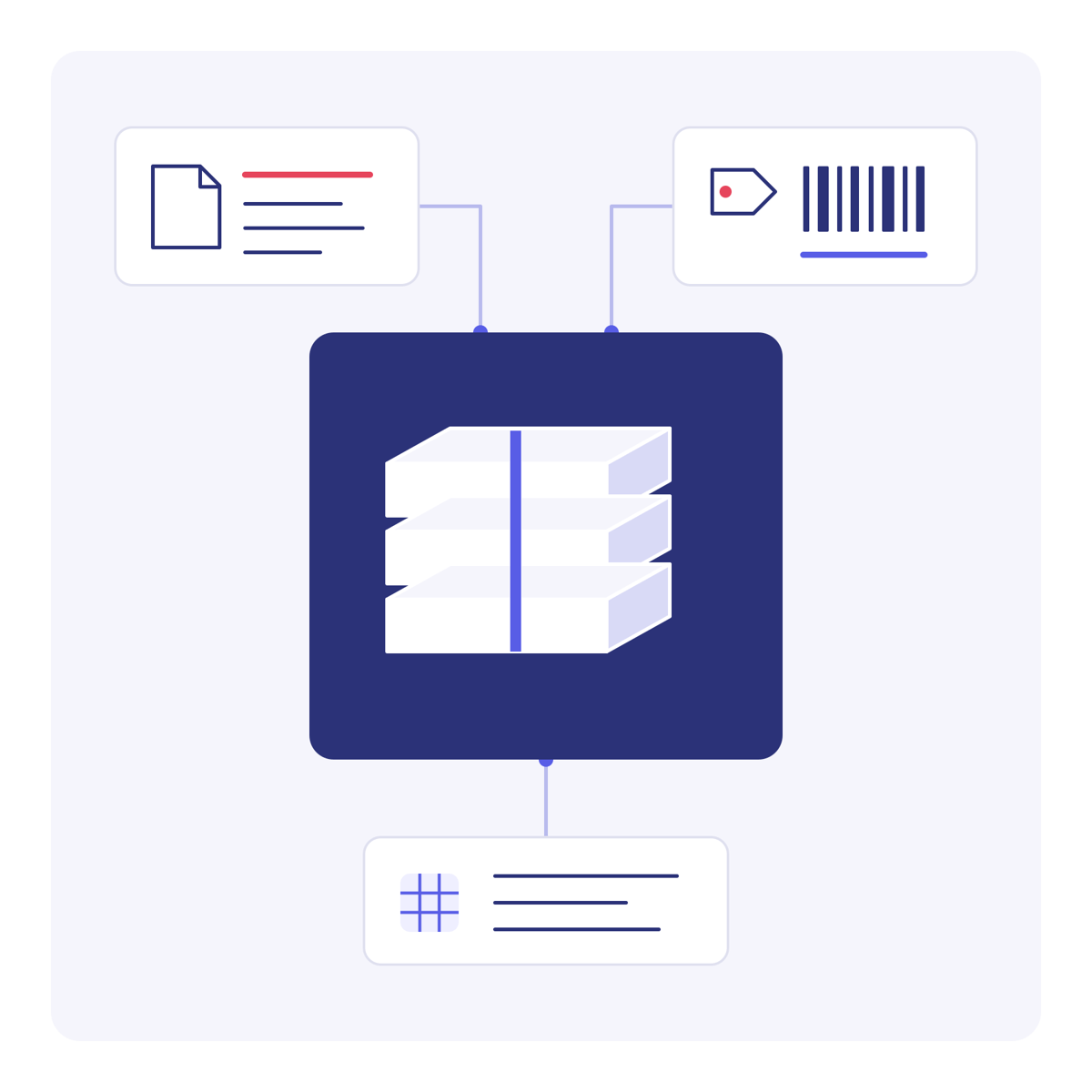
Emailed POs, big-box EDI and portal orders all arrive in different formats. The checks happen once, before any of it reaches your ERP or POS.
01 | Capture
Your order channels
Emailed and faxed POs · Big-box EDI · FCB2B · Customer portal · Sales reps · Ecommerce
02 | Check
OrderEase
Apply your product codes, customer pricing, units and pack quantities.
Exceptions go to your team for review.
03 | Sync
Your ERP or POS
Receive the sales order:
Klipboard ERP One · Dynamics 365 · NetSuite · Sage · QuickBooks · Acumatica
Connections depend on your ERP or POS, version and required data flows. We'll also review customer pricing, product codes, units and pack quantities.
What This Covers
We review sample POs to confirm supported formats, document mapping and any setup fees. What's required depends on the documents you actually receive.
OrderEase supports purchase orders, acknowledgments, shipment notices and invoices, including EDI 850, 855, 856 and 810, plus FCB2B for flooring and tile. Documents, mappings and testing depend on your trading partners.
Yes. As a seller you can offer B2B ordering to your trade customers. As a buyer you can order through participating suppliers' OrderEase portals. We also connect to Klipboard ERP One, so independent retailers can order supplier stock straight from their POS. Supplier participation and system connections need to be confirmed.
OrderEase fits when you run more than one order channel, carry customer-specific pricing and product codes, and the next retailer connection would otherwise mean another hire. If you receive a handful of orders a month in one consistent format, this is more system than you need.
No. This covers B2B order intake and the handoff to your ERP or POS. Yard operations, cut lists, takeoffs and delivery routing need a separate fit review.
Scoping your systems, order formats and business rules, then configuration and testing before go-live. We'll need sample POs, ERP or POS access, and someone who owns your product and pricing data.