Shopify QuickBooks Integration


.png?width=300&name=Amazon%20logo%2c%20OrderEase%20Order%20Automation%20(1).png)


.png?width=300&name=Amazon%20logo%2c%20OrderEase%20Order%20Automation%20(1).png)


.png?width=300&name=Amazon%20logo%2c%20OrderEase%20Order%20Automation%20(1).png)


.png?width=300&name=Amazon%20logo%2c%20OrderEase%20Order%20Automation%20(1).png)


.png?width=300&name=Amazon%20logo%2c%20OrderEase%20Order%20Automation%20(1).png)
Connect Shopify & QuickBooks With One Operational Workflow
Shopify captures orders, product activity, pricing changes, and fulfillment signals. QuickBooks receives the accounting-side records your team depends on.
OrderEase sits between the storefront and your accounting system so you can automate data movement without relying on spreadsheets, re-keying, or disconnected tools. Whether you need a Shopify QuickBooks Online integration or a Shopify QuickBooks Desktop integration, OrderEase supports both.
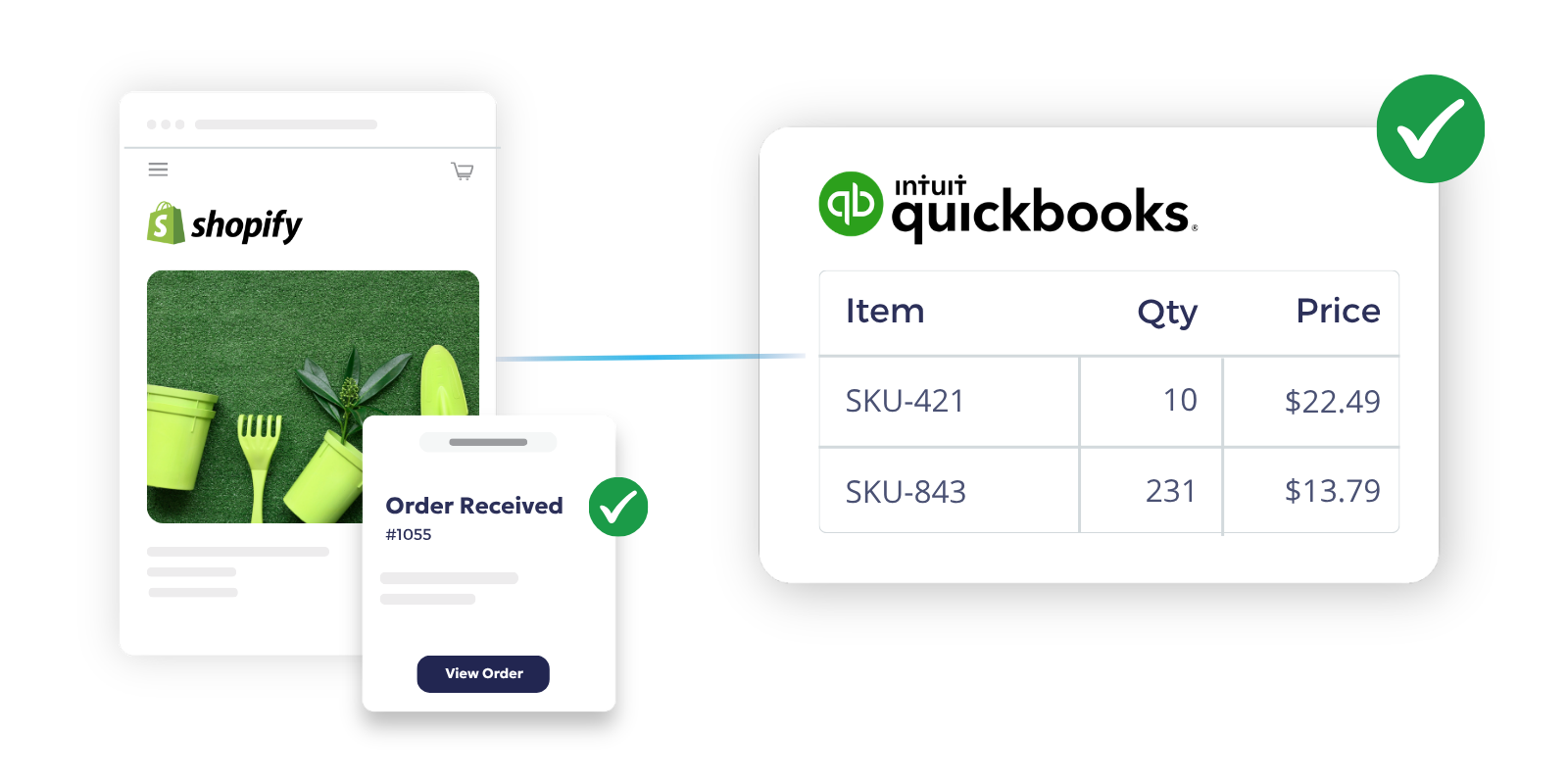
Shopify + QuickBooks Integration Capabilities
Order Sync
Push Shopify orders into QuickBooks based on the status you choose. For QuickBooks Online, orders can create invoices or estimates. For Desktop, orders can create sales orders or invoices.
Product & SKU Sync
Keep item names, SKUs, descriptions, and pricing aligned across systems. That reduces duplicate maintenance and helps sales, ops, and finance work from cleaner records.
Inventory Updates
Keep stock levels current as products move across channels. OrderEase also supports inventory controls and multi-location scenarios where applicable.
Pricing & Margins
Control pricing updates without editing the same data in multiple places. That helps you protect margin and keep catalog pricing consistent.
Customer Data Sync
Keep customer records aligned between commerce and accounting. That reduces mismatches and cleanup work for finance and customer service.
Financial Mapping
Route orders into the accounting workflow that fits your team. OrderEase supports version-specific paths for QuickBooks Online and Desktop.
Automate Order to Cash Between Shopify and QuickBooks

Benefits of Connecting QuickBooks & Shopify with OrderEase
When Shopify and QuickBooks are disconnected, teams end up fixing the same order in multiple places. OrderEase closes that gap by moving order, item, pricing, and customer data through one defined workflow.
Cut manual accounting work
Stop re-entering Shopify orders into QuickBooks. Your team can push orders into the accounting workflow based on the status and document type you choose.
Reduce reconciliation issues
Keep product, pricing, and customer records more consistent across commerce and accounting. That means fewer mismatches at month end and less time spent correcting records.
Keep finance and operations aligned
Sales activity in Shopify should not live separately from the records your accounting team depends on. OrderEase gives both teams a clearer view of what was sold, what was posted, and what still needs attention.
Improve order visibility
Use sync settings and logs to see what moved, what failed, and what needs review. That helps your team catch issues earlier instead of finding them after invoices or reports are already wrong.
Support the workflow you already run
Some teams need invoices. Others need estimates or sales orders first. OrderEase supports QuickBooks Online and QuickBooks Desktop workflows without forcing one fixed process.
Handle growth without adding more admin work
As order volume grows, manual posting becomes harder to control. OrderEase helps you process more transactions without scaling the same back-office workload.
Frequently Asked Questions About Shopify QuickBooks Integration
OrderEase connects Shopify and QuickBooks, then applies the sync rules you set for products, orders, pricing, inventory, and customer data. That gives ops and accounting one controlled handoff instead of manual exports and re-entry.
Yes. OrderEase supports QuickBooks Desktop and can push orders into Desktop as invoices or sales orders, based on your setup.
Yes. Inventory, products, and related data can be synced through configured data groups, while orders can be pushed based on order status. Shopify-side workflows also include scheduled sync behavior and manual Sync Now controls.
Order pushes can run in real time depending on setup, while other syncs may run on scheduled intervals or manual triggers. In the Shopify documentation, product and customer data sync daily at 3:00 AM ET while orders sync in real time.
Depending on version and configuration, synced data can include products, SKUs, descriptions, pricing, inventory, customers, orders, and fulfillment-related data.
That depends on how you need orders posted, how your item records are managed, and whether you run QuickBooks Online or Desktop. OrderEase is built to handle those setup decisions up front, including order status rules, pricing behavior, sync group selection, and logging so your team can see what happened.