<img src="https://certify.alexametrics.com/atrk.gif?account=knr3r1xk/v20jL" style="display:none" height="1" width="1" alt="">
Skip to content
ecommerce integrations

QuickBooks Desktop Ecommerce Integration

QuickBooks integrations
+
Dynamics 365 ecommerce integration
Connect Shopify, WooCommerce, Amazon, Walmart, and B2B ecommerce orders to QuickBooks Desktop. OrderEase helps growing sellers bring ecommerce orders, wholesale orders, marketplace sales, and B2B buyer activity into one controlled workflow. Sync product, pricing, inventory, and customer data from QuickBooks Desktop into OrderEase, then send approved orders back into QuickBooks Desktop as Sales Orders or Invoices.
Preconfigured connector · Established integration approach · Hands on support

Shopify - Horizontal Logo Resize
netsuite-logo-2
woocommerce-logo-color-black-squared
Go Daddy logo
Walmart Canada logo
Amazon logo
Shopify - Horizontal Logo Resize
netsuite-logo-2
woocommerce-logo-color-black-squared
Go Daddy logo
Walmart Canada logo
Amazon logo
Shopify - Horizontal Logo Resize
netsuite-logo-2
woocommerce-logo-color-black-squared
Go Daddy logo
Walmart Canada logo
Amazon logo
Shopify - Horizontal Logo Resize
netsuite-logo-2
woocommerce-logo-color-black-squared
Go Daddy logo
Walmart Canada logo
Amazon logo
Shopify - Horizontal Logo Resize
netsuite-logo-2
woocommerce-logo-color-black-squared
Go Daddy logo
Walmart Canada logo
Amazon logo
Preconfigured Connector

Connect ecommerce sales channels to QuickBooks Desktop without manual order entry

Selling through one online store is manageable. Basic connectors may handle one storefront, but they often break down when you need to manage multiple ecommerce channels, different customer types, inventory visibility, customer-specific pricing, and B2B order rules.

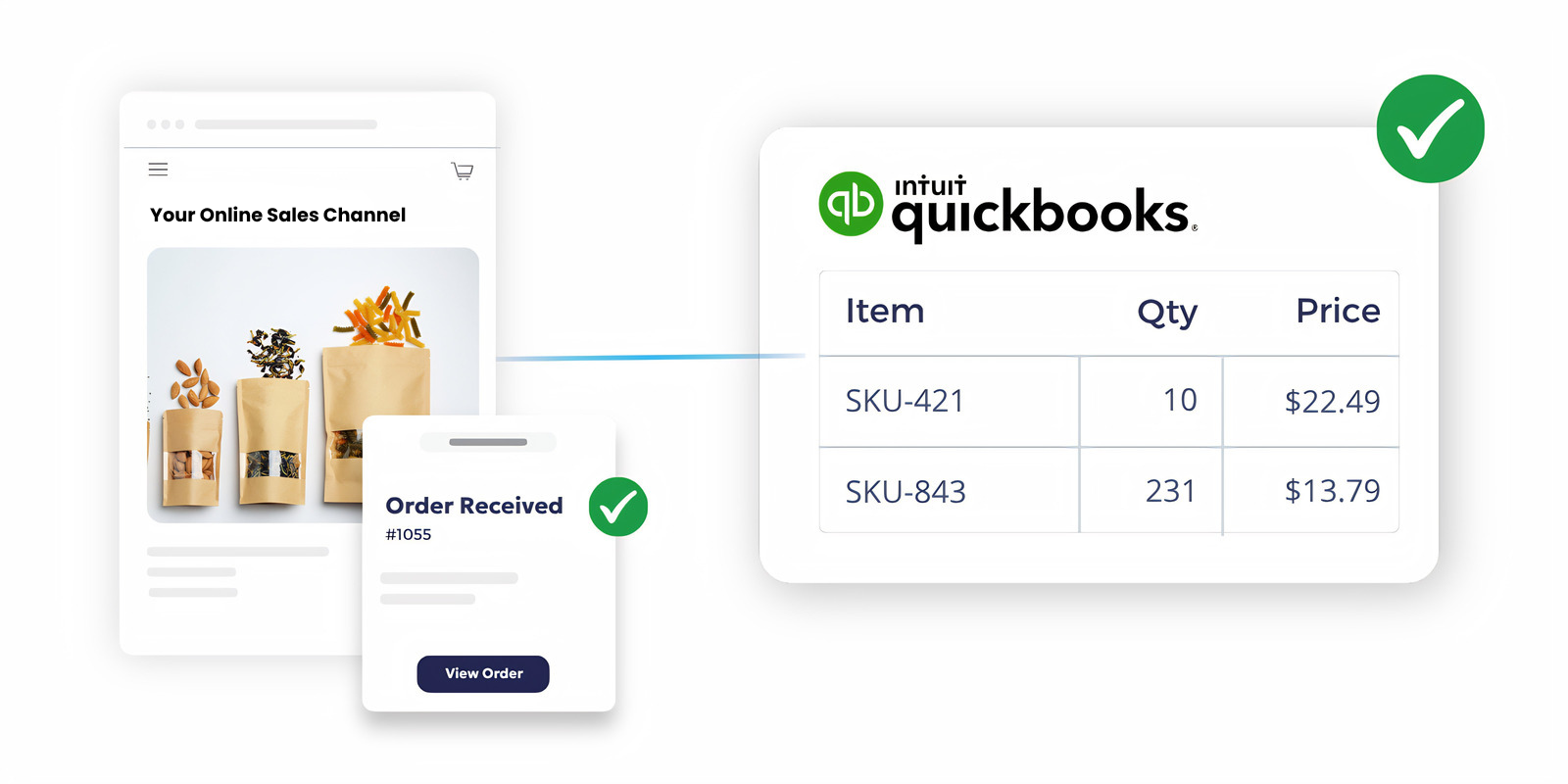
OrderEase connects your ecommerce channels and B2B workflows to QuickBooks Desktop, helping your team reduce duplicate entry, keep order data cleaner, and manage every channel through one controlled process.
OrderEase | quickbooks online ecommerce integration


Key Features

QuickBooks Desktop + Ecommerce Order Integration Capabilities

QuickBooks Desktop works best when it receives clean, structured order data. OrderEase supports the operational scenarios that help make that possible for teams.

Ecommerce & Marketplace Orders

Bring orders from Shopify, WooCommerce, Amazon, Walmart, and other ecommerce channels into OrderEase before they are posted into QuickBooks Desktop.

QuickBooks Desktop Product Data

Use QuickBooks Desktop item data inside OrderEase, including item name or number, description, sales price, and quantity on hand. These product fields are confirmed as synced from QuickBooks Desktop into OrderEase.

Inventory Availability

Keep buyer-facing inventory visibility tied to the inventory data managed in QuickBooks Desktop. Inventory levels are managed in QuickBooks Desktop and synced with OrderEase when applicable.

Customer & Account Data Sync

Bring QuickBooks Desktop customer data into OrderEase so ecommerce and wholesale ordering can use the right billing details, shipping details, payment terms, and pricing levels. 

Sales Orders & Invoices

Send approved orders into QuickBooks Desktop using the transaction type your team already works with. OrderEase supports pushing orders as either Sales Orders or Invoices.

Buyer-Specific Ordering Rules

Manage catalogs, customer groups, product visibility, pricing rules, and order settings in OrderEase. Customer groups can be used for pricing discounts, warehouse locations, reporting, marketing, and buyer segmentation.

Built for Ecommerce Businesses That Have Outgrown Basic Connectors

QuickBooks integrations logo Quickbooks ecommerce integration
Orders from Shopify, WooCommerce, Amazon, Walmart, and other sales channels need to reach QuickBooks Desktop without creating separate manual processes for every platform.
Sell through multiple B2C ecommerce channels
QuickBooks integrations logo Quickbooks ecommerce integration
B2C orders may follow one process, while wholesale buyers need terms, pricing levels, minimum order rules, assigned catalogs, or account-specific visibility.
Manage ecommerce and wholesale customers together
QuickBooks integrations logo Quickbooks ecommerce integration
Your team wants to keep QuickBooks Desktop in place, but needs a better way to manage ecommerce order flow before data reaches accounting.
Use QuickBooks Desktop as your accounting foundation
QuickBooks integrations logo Quickbooks ecommerce integration
Different order types may need different posting behavior. OrderEase supports sending orders into QuickBooks Desktop as Sales Orders or Invoices.
Sales Orders or Invoices created correctly
QuickBooks integrations logo Quickbooks ecommerce integration
OrderEase helps prevent incomplete, incorrectly priced, or poorly structured orders from entering QuickBooks Desktop too early.
Better control before orders hit QuickBooks Desktop
QuickBooks integrations logo Dynamics 365 ecommerce integration
Once the order reaches the configured status, OrderEase sends it into QuickBooks Desktop as a Sales Order or Invoice.
Approved orders post to QuickBooks Desktop


Business Impact

Why Connect QuickBooks Desktop Ecommerce Through OrderEase

When sales channels and QuickBooks Desktop are out of sync, your team ends up fixing the same order in multiple systems. OrderEase prevents this by automatically moving order, item, pricing, and customer data through a single, unified workflow.

Less manual order entry

Orders from ecommerce, marketplaces, B2B buyers, and sales reps can move through one process instead of being copied into QuickBooks Desktop by hand.

Cleaner accounting records

Orders are checked and structured before they are posted, reducing the cleanup work caused by duplicate records, missing details, or inconsistent channel data.

Better inventory confidence

Product availability in OrderEase can stay aligned with the inventory information managed in QuickBooks Desktop, helping teams reduce overselling and stock confusion.

Stronger buyer experience

Customers can order through a modern ecommerce or B2B portal while your team keeps QuickBooks Desktop as the backend accounting system.

More control over complex pricing

Customer groups, pricing levels, and catalog visibility help your team support both standard ecommerce buyers and wholesale accounts.

Fewer disconnected plugins

Instead of relying on a separate connector for every channel, OrderEase creates a central order workflow between ecommerce operations and QuickBooks Desktop.

More ecommerce and channel

integrations you may be

interested in

Explore the integrations beyond ecommerce and see how OrderEase connects your channels and systems.

Ecommerce Integration

Automate ecommerce workflows from order to invoice with OrderEase.

QuickBooks Order Management

Integrate OrderEase with QuickBooks to automate all your orders into your ERP.

QuickBooks Online

Integrate OrderEase with QuickBooks Online to automate all your orders.

QuickBooks Desktop

Integrate OrderEase with QuickBooks Desktop to automate all your orders.

Frequently Asked Questions About QuickBooks Desktop Ecommerce Integration

Can OrderEase connect Shopify, WooCommerce, Amazon, and Walmart orders to QuickBooks Desktop?

Yes. OrderEase can support ecommerce and marketplace order workflows that need to connect with QuickBooks Desktop, including Shopify, WooCommerce, Amazon, Walmart, and related channels.

Does OrderEase replace QuickBooks Desktop?

No. QuickBooks Desktop remains the accounting system. OrderEase adds the ecommerce, buyer management, catalog, and order workflow layer around it.

What data syncs from QuickBooks Desktop into OrderEase?

OrderEase can sync item data, descriptions, sales price, quantity on hand, customer records, payment terms, and pricing levels from QuickBooks Desktop into OrderEase.

Can OrderEase create Sales Orders in QuickBooks Desktop?

Yes. OrderEase can push orders into QuickBooks Desktop as Sales Orders or Invoices, based on your configured workflow.

Can this support both B2C ecommerce and B2B ecommerce?

Yes. OrderEase can support standard ecommerce order flows while also handling B2B needs like wholesale pricing, customer groups, assigned catalogs, order holds, sales rep review, and buyer-specific ordering rules.

Does QuickBooks Desktop control the ecommerce catalog?

QuickBooks Desktop supplies the core product, pricing, inventory, and customer data. OrderEase manages the buyer-facing catalog experience, including images, product visibility, catalog assignments, groups, and ordering rules.

Do product images sync from QuickBooks Desktop? No. Product images and media are uploaded and managed directly in OrderEase.
Can different customers see different products or prices? Yes. OrderEase supports customer groups, pricing levels, catalog visibility, and buyer-specific settings. Customers can belong to more than one buying group, and OrderEase can apply the best available price.
What should we know before setting up the QuickBooks Desktop integration? QuickBooks Desktop integrations require the correct company file access, the OrderEase desktop installer app, and configured sync preferences. The internal QuickBooks Desktop guide notes that the integration should not run while multiple QuickBooks company files are open, and the integration must run in the same mode as QuickBooks Desktop.

Let's Discuss Your Integration Needs