<img src="https://certify.alexametrics.com/atrk.gif?account=knr3r1xk/v20jL" style="display:none" height="1" width="1" alt="">
Skip to content
ecommerce integrations

QuickBooks Online Ecommerce Integration

QuickBooks integrations
+
Dynamics 365 ecommerce integration
Connect Shopify, WooCommerce, Amazon, Walmart, and B2B ecommerce orders to QuickBooks Online. OrderEase turns multichannel orders into clean, invoice-ready data, helping your team reduce manual entry, prevent duplicate work, and keep accounting aligned as sales grow.
Preconfigured connector · Established integration approach · Hands on support

Shopify - Horizontal Logo Resize
netsuite-logo-2
woocommerce-logo-color-black-squared
Go Daddy logo
Walmart Canada logo
Amazon logo
Shopify - Horizontal Logo Resize
netsuite-logo-2
woocommerce-logo-color-black-squared
Go Daddy logo
Walmart Canada logo
Amazon logo
Shopify - Horizontal Logo Resize
netsuite-logo-2
woocommerce-logo-color-black-squared
Go Daddy logo
Walmart Canada logo
Amazon logo
Shopify - Horizontal Logo Resize
netsuite-logo-2
woocommerce-logo-color-black-squared
Go Daddy logo
Walmart Canada logo
Amazon logo
Shopify - Horizontal Logo Resize
netsuite-logo-2
woocommerce-logo-color-black-squared
Go Daddy logo
Walmart Canada logo
Amazon logo
Preconfigured Connector

Ecommerce orders should not become accounting cleanup

Every sales channel sends order data differently: items, customers, discounts, taxes, shipping details, and payment terms. When those details move through separate apps or spreadsheets, errors show up in QuickBooks Online. OrderEase centralizes the order flow first, applying the right customer, product, pricing, and approval rules before invoices are created.
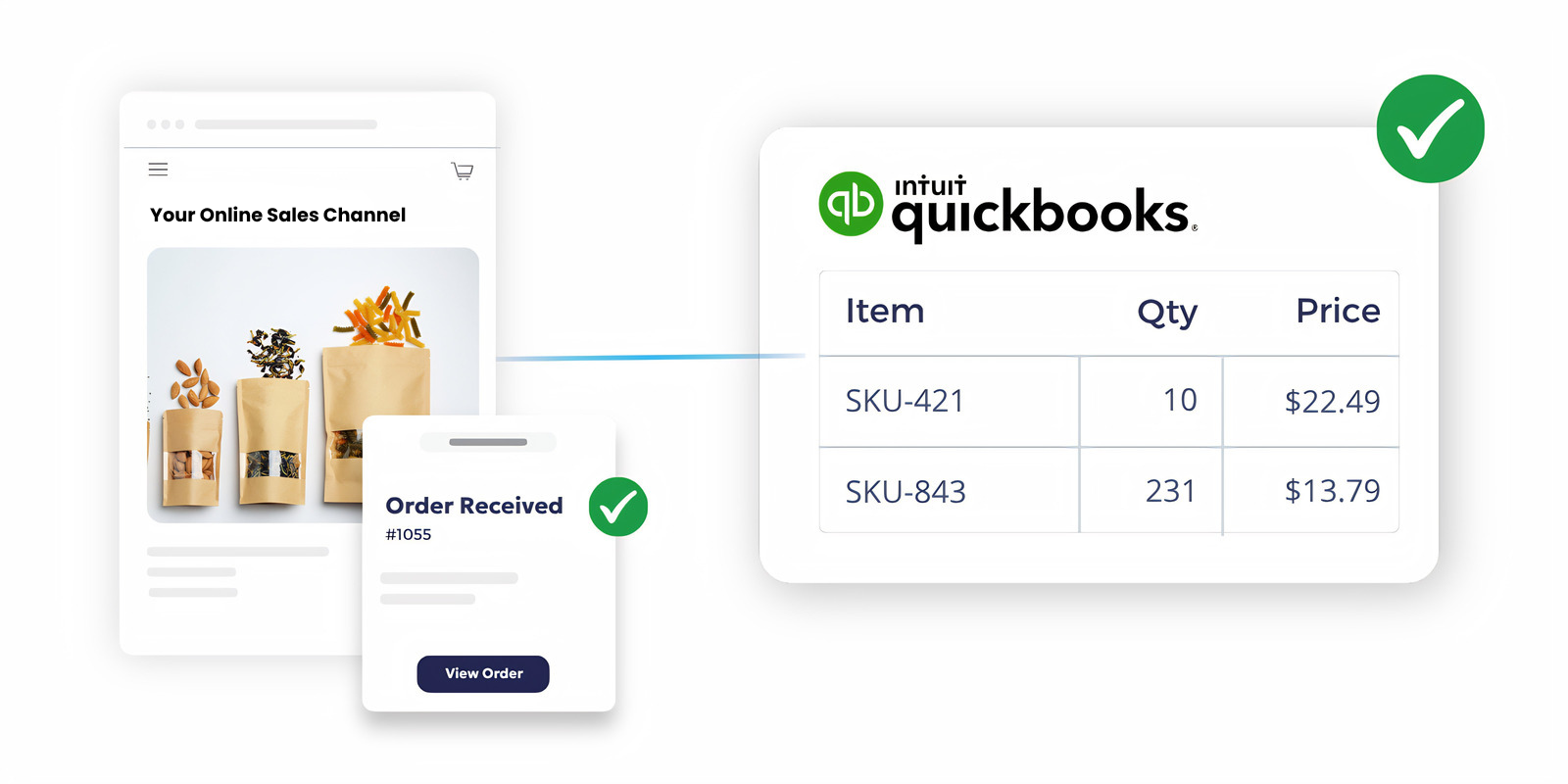
OrderEase | quickbooks online ecommerce integration


Key Features

QuickBooks Online + Ecommerce Order Integration Capabilities

QuickBooks Desktop works best when it receives clean, structured order data. OrderEase supports the operational scenarios that help make that possible for teams.

Ecommerce & Marketplace Orders

Bring online orders from Shopify, WooCommerce, Amazon, Walmart, and connected ecommerce channels into OrderEase.

QuickBooks Online Invoice Automation

Create QuickBooks Online invoices from approved ecommerce, marketplace, wholesale, and B2B orders.

Product & SKU Alignment

Connect product details between OrderEase and QuickBooks Online so orders use the right items, SKUs, descriptions, and pricing structure.

Customer & Account Data Sync

Keep customer records, billing details, shipping information, and account data connected between ecommerce workflows and QuickBooks Online.

Inventory Visibility

Help teams manage product availability across ecommerce, wholesale, and marketplace channels with inventory data connected to the order process.

Catalog & Buyer Controls

Manage customer groups, catalogs, product visibility, and buyer-specific ordering rules inside OrderEase.

How OrderEase Connects Ecommerce Orders to QuickBooks Online

QuickBooks integrations logo Quickbooks ecommerce integration
Orders from ecommerce stores, marketplaces, sales reps, B2B portals, and wholesale buyers flow into OrderEase.
Orders enter OrderEase
QuickBooks integrations logo Quickbooks ecommerce integration
OrderEase structures customer, item, pricing, shipping, and channel details before the order reaches accounting.
Order data is organized
QuickBooks integrations logo Quickbooks ecommerce integration
The system applies buyer settings, catalog access, pricing logic, approval rules, and channel-specific workflows.
Rules are applied
QuickBooks integrations logo Quickbooks ecommerce integration
Orders that need attention can be checked before they are sent to QuickBooks Online.
Teams review exceptions
QuickBooks integrations logo Quickbooks ecommerce integration
Approved orders are posted to QuickBooks Online as invoices, giving your team a cleaner handoff.
Invoices are created
QuickBooks integrations logo Dynamics 365 ecommerce integration
Sales, fulfillment, customer service, and finance work from a more reliable order flow across every channel.
Operations stay connected


Business Impact

Why Ecommerce Teams Use OrderEase with QuickBooks Online

When sales channels and QuickBooks Online are out of sync, your team ends up fixing the same order in multiple systems. OrderEase prevents this by automatically moving order, item, pricing, and customer data through a single, unified workflow.

Less manual order entry

Move orders from online channels into QuickBooks Online without retyping the same information across systems.

Cleaner accounting records

Prepare order data before it becomes an invoice, reducing missing details, duplicate records, and reconciliation work.

Control every channel from one place

Standardize how ecommerce, marketplace, wholesale, and sales rep orders are handled before they reach accounting.

Improve customer accuracy

Use connected customer data, pricing, catalogs, and order rules to reduce account-level mistakes.

Support B2C and B2B growth

Manage direct-to-consumer orders and wholesale workflows without splitting operations across separate tools.

Scale without connector sprawl

Replace one-off plugins and channel-specific workarounds with a centralized order workflow built around QuickBooks Online.

More ecommerce and channel

integrations you may be

interested in

Explore the integrations beyond ecommerce and see how OrderEase connects your channels and systems.

Ecommerce Integration

Automate ecommerce workflows from order to invoice with OrderEase.

QuickBooks Order Management

Integrate OrderEase with QuickBooks to automate all your orders into your ERP.

QuickBooks Online

Integrate OrderEase with QuickBooks Online to automate all your orders.

QuickBooks Desktop

Integrate OrderEase with QuickBooks Desktop to automate all your orders.

Frequently Asked Questions About QuickBooks Online Ecommerce Integration

Can OrderEase connect ecommerce orders to QuickBooks Online?

Yes. OrderEase connects ecommerce, marketplace, wholesale, sales rep, and B2B orders to QuickBooks Online workflows.

Which ecommerce channels can connect with QuickBooks Online?

OrderEase supports ecommerce workflows for channels such as Shopify, WooCommerce, Amazon, Walmart, B2B portals, and other connected sales channels.

Does OrderEase replace QuickBooks Online?

No. QuickBooks Online remains your accounting system. OrderEase manages the ecommerce order workflow before invoices are created in QuickBooks Online.

Does OrderEase create invoices in QuickBooks Online?

Yes. Approved orders can be posted to QuickBooks Online as invoices.

Can OrderEase support B2C and B2B ecommerce together?

Yes. OrderEase supports standard ecommerce orders as well as B2B needs like wholesale pricing, customer groups, assigned catalogs, order approvals, and sales rep workflows.

Can customer-specific pricing and catalogs be managed?

Yes. OrderEase allows teams to manage customer groups, catalog visibility, product access, and buyer-specific ordering rules.

Can teams review orders before they reach QuickBooks Online?

Yes. Orders can be reviewed, approved, or corrected in OrderEase before they are posted to QuickBooks Online.

Is this only for wholesale businesses?

No. The integration is built for ecommerce businesses selling through B2C channels, marketplaces, wholesale buyers, B2B portals, sales reps, and retail partners.

Let's Discuss Your Integration Needs