WooCommerce QuickBooks Desktop Integration



.png?width=300&name=Amazon%20logo%2c%20OrderEase%20Order%20Automation%20(1).png)


.png?width=300&name=Amazon%20logo%2c%20OrderEase%20Order%20Automation%20(1).png)


.png?width=300&name=Amazon%20logo%2c%20OrderEase%20Order%20Automation%20(1).png)


.png?width=300&name=Amazon%20logo%2c%20OrderEase%20Order%20Automation%20(1).png)


.png?width=300&name=Amazon%20logo%2c%20OrderEase%20Order%20Automation%20(1).png)
Connect WooCommerce and QuickBooks Desktop with one operational workflow
WooCommerce captures checkout, customer details, and order status. QuickBooks Desktop is where your team needs the Sales Order or Invoice to land.
OrderEase's WooCommerce QuickBooks Desktop integration manages the handoff.
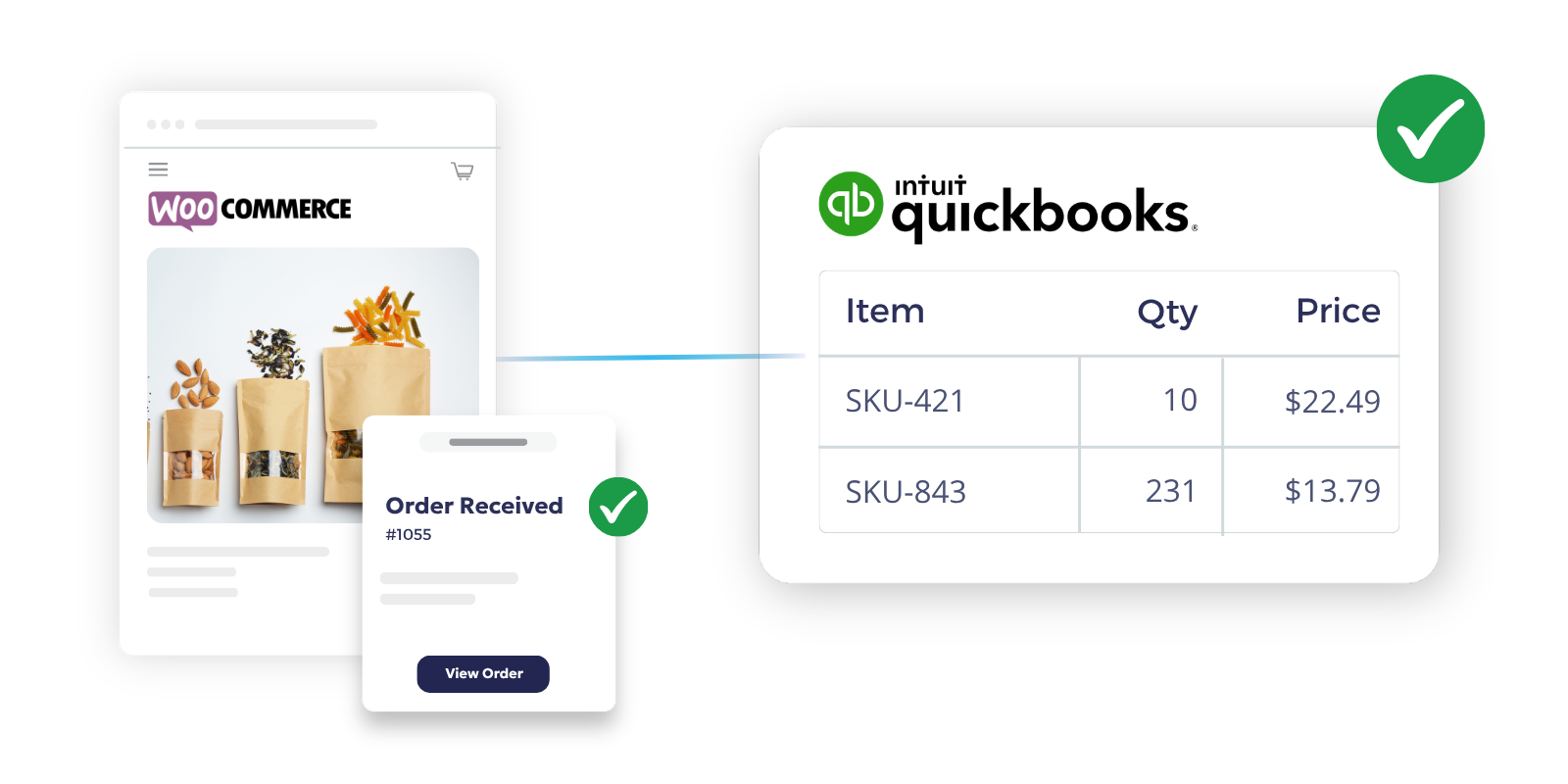
Orders push to QuickBooks Desktop in real time when they reach the status you configure, and you choose whether QBD receives a Sales Order or an Invoice.
WooCommerce + QuickBooks Desktop Integration Capabilities
Order Sync
Capture WooCommerce orders based on your selected trigger, then post them to QuickBooks Desktop when the OrderEase order reaches the configured status. Create a Sales Order or an Invoice, based on how your accounting team works.
Product & SKU Sync
Pull product updates from QuickBooks Desktop into OrderEase daily with Sync Now available after changes. Only inventory and unarchived items sync, which helps prevent inactive items from breaking order posting.
Inventory Updates
Keep inventory updates aligned to QuickBooks Desktop changes, with a daily sync run and Sync Now for immediate refresh. For multi-location inventory, specify inventory sites in Product Settings.
Pricing & Margins
Use QuickBooks Desktop pricing options during order creation when configured, so the accounting record matches your pricing rules. On the WooCommerce side, products require Online Retail Price to appear online, so pricing cannot be an afterthought.
Customer Data Sync
Pull customer changes from QuickBooks Desktop into OrderEase daily, with Sync Now if you need the update immediately. Optionally include inactive customers if your workflow requires it.
Financial Mapping
Set default accounts, choose the order creation type, and define how to handle missing customers or products. These controls reduce posting failures and reduce cleanup work inside QuickBooks Desktop.
Automate Order to Cash Between WooCommerce and QuickBooks Desktop

Benefits of Connecting QuickBooks Desktop and WooCommerce with OrderEase
When WooCommerce and QuickBooks Desktop are out of sync, your team ends up fixing the same order in multiple systems. OrderEase prevents this by automatically moving order, item, pricing, and customer data through a single, unified workflow.
Cut manual order entry
Stop retyping WooCommerce orders into QuickBooks Desktop. Let OrderEase create Sales Orders or Invoices based on your workflow.
Reduce posting failures
Inactive items and mismatched master data are common causes of errors. OrderEase syncs inventory and unarchived items by default.
Keep storefront and accounting separate
WooCommerce is for checkout and order status. QuickBooks Desktop is for accounting documents and inventory records.
Improve visibility when something breaks
Use logs to see what pushed, what did not, and what needs review. That turns a “sync problem” into an exception your team can act on.
Support multi-location inventory
If you run multiple inventory locations, inventory sites matter. OrderEase supports inventory site configuration in Product Settings.
Scale volume
Daily sync and real-time order push reduce repetitive work during peaks.
Frequently Asked Questions About WooCommerce QuickBooks Desktop Integration
WooCommerce captures the order, OrderEase manages the workflow, and orders push into QuickBooks Desktop when the configured status is reached. You choose whether QBD receives a Sales Order or an Invoice.
Yes. OrderEase supports order creation type selection for Sales Orders or Invoices. Choose the document type that fits your billing process.
Products, inventory, and customers sync from QuickBooks Desktop into OrderEase daily at 1:00 AM ET, with Sync Now for immediate updates. Orders push from OrderEase into QBD in real time when the configured status is reached.
Yes, through inventory site configuration in Product Settings. This matters when inventory location affects availability and posting.
QuickBooks Desktop 2021+ on Windows 10+, the OrderEase desktop installer, internet connection for sync, and admin access to the company file.
If you need control over document type, posting timing, inventory sites, and visibility into sync activity, the workflow is built around those control points. OrderEase also handles storefront realities like fulfillment source logic and WooCommerce product pricing rules.