QuickBooks WooCommerce Integration


.png?width=300&name=Amazon%20logo%2c%20OrderEase%20Order%20Automation%20(1).png)


.png?width=300&name=Amazon%20logo%2c%20OrderEase%20Order%20Automation%20(1).png)


.png?width=300&name=Amazon%20logo%2c%20OrderEase%20Order%20Automation%20(1).png)


.png?width=300&name=Amazon%20logo%2c%20OrderEase%20Order%20Automation%20(1).png)


.png?width=300&name=Amazon%20logo%2c%20OrderEase%20Order%20Automation%20(1).png)
Connect WooCommerce & QuickBooks With One Operational Workflow
A WooCommerce QuickBooks integration connects your online store to your accounting system, but each one does a different job: WooCommerce handles products, prices, checkout, and order status, while QuickBooks handles invoices, sales records, and bookkeeping; OrderEase controls how data moves between them, so orders, pricing, inventory, and customer details reach QuickBooks in the right way without your team re-entering orders, fixing mismatched records, or guessing what went wrong.
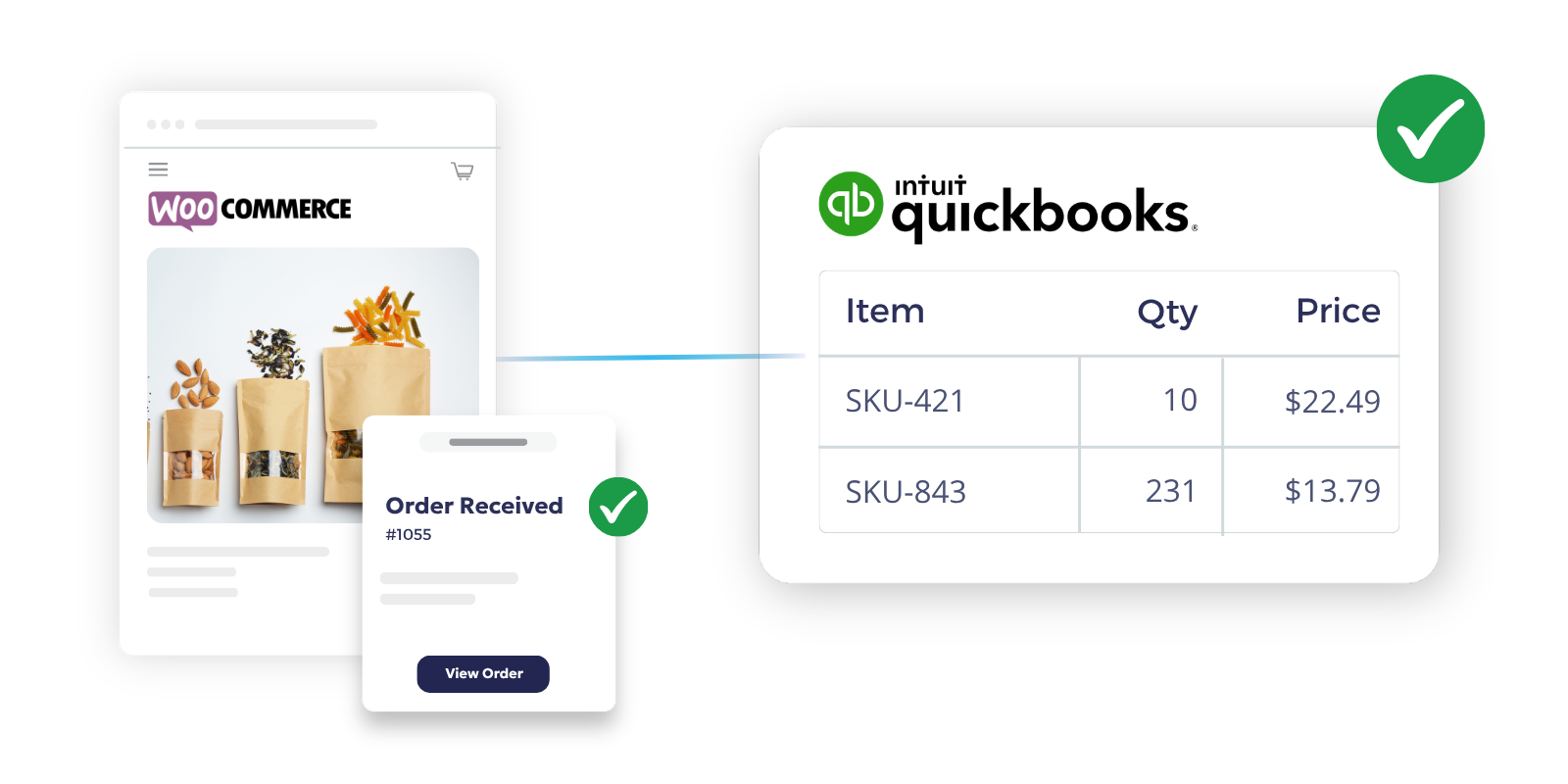
WooCommerce + QuickBooks Integration Capabilities
Order Sync
Capture WooCommerce orders by chosen status and send them to QuickBooks in line with your accounting workflow, giving operations control over timing and finance control over posting.
Product & SKU Sync
Sync SKU-based product data, titles, descriptions, categories, images, and status, to WooCommerce so your store always runs on up-to-date, clean records.
Inventory Updates
Keep WooCommerce inventory synced to your operational data to prevent overselling and ensure the store only shows what is actually available.
Pricing & Margins
Control how WooCommerce orders post into QuickBooks: send them as invoices or estimates in QuickBooks Online, or as invoices or sales orders in QuickBooks Desktop.
Customer Data Sync
Run customer and order data through one workflow to avoid posting failures from mismatched details or duplicate accounts.
Financial Mapping
Route orders into the accounting workflow that fits your team. OrderEase supports version-specific paths for QuickBooks Online and Desktop.
Automate Order to Cash Between WooCommerce and QuickBooks

Benefits of Connecting QuickBooks & WooCommerce with OrderEase
When WooCommerce and QuickBooks are disconnected, teams end up fixing the same order in multiple places. OrderEase closes that gap by moving order, item, pricing, and customer data through one defined workflow.
Cut manual accounting work
Stop rebuilding WooCommerce orders in QuickBooks one by one. OrderEase lets the store trigger the workflow while QuickBooks receives the final accounting document.
Reduce reconciliation issues
SKU mismatches, missing prices, and customer inconsistencies create downstream cleanup. OrderEase helps correct those issues before finance is dealing with them at month end.
Keep finance and operations aligned
WooCommerce should reflect what the customer sees and buys. QuickBooks should reflect what accounting needs to record. OrderEase keeps those workflows connected without collapsing them into one job.
Improve order visibility
Operations needs to know what was captured, what is still processing, and what shipped. Finance needs to know what posted, how it posted, and what needs review. Logs and sync controls support both sides.
Support the workflow you already run
Some businesses want QuickBooks Online invoices. Others need estimates first. Some Desktop accounts need sales orders first and template-specific handling. OrderEase supports that difference.
Handle growth without adding more admin work
As order volume rises, the cost of manual review rises with it. OrderEase helps teams automate the repeatable work while keeping manual controls for exceptions and sync decisions.
Frequently Asked Questions About WooCommerce QuickBooks Integration
OrderEase uses WooCommerce connection settings, API token setup, and webhook-based order intake to capture store activity, then pushes that activity into QuickBooks based on the rules you choose. That can include order status triggers, document type selection, and manual sync controls.
Yes. OrderEase supports QuickBooks Desktop workflows as well as QuickBooks Online. For Desktop, orders can be pushed as invoices or sales orders, and template handling can be configured as part of the setup.
Yes. Orders can be captured through webhook and order status rules, while product data can be brought into WooCommerce through manual import or scheduled import settings. Inventory and pricing settings are part of the same workflow.
Depending on setup, the workflow can include orders, product data, pricing, inventory, customer data, shipping details, and tracking-related information. The goal is to make the storefront record and the accounting record line up before posting problems show up downstream.
Order capture can be event-driven through WooCommerce webhook status triggers, while product imports are often run manually or on a schedule. OrderEase supports both automation and manual controls, depending on what the workflow needs.
That depends on how you need the workflow split between storefront and accounting. OrderEase is designed around those control points, including WooCommerce order status, fulfillment source, product pricing, logs, and the exact QuickBooks document type you want to create.