.png?width=250&name=OrderEase%20logo%2c%20Square%20(2).png)

ecommerce integrations
WooCommerce Sage 50 Integration

+

OrderEase connects WooCommerce to Sage 50 and gives your team more control over how online orders move into accounting. OrderEase helps bridge the two with cleaner order flow, stronger data alignment, and less manual correction work.
Preconfigured connector · Established integration approach · Hands on support





.png?width=300&name=Amazon%20logo%2c%20OrderEase%20Order%20Automation%20(1).png)
Preconfigured Connector
Why WooCommerce order entry gets harder inside Sage 50
WooCommerce can send a steady flow of new orders into the business, but Sage 50 depends on clean records to keep accounting accurate. As order volume grows, teams often run into SKU mismatches, inconsistent customer details, pricing exceptions, inventory confusion, and extra manual entry before the order is usable in Sage 50.
That friction slows down order processing and creates more back-office work. Teams spend time reviewing records, correcting item mappings, and fixing order details that should have been structured properly earlier in the workflow.
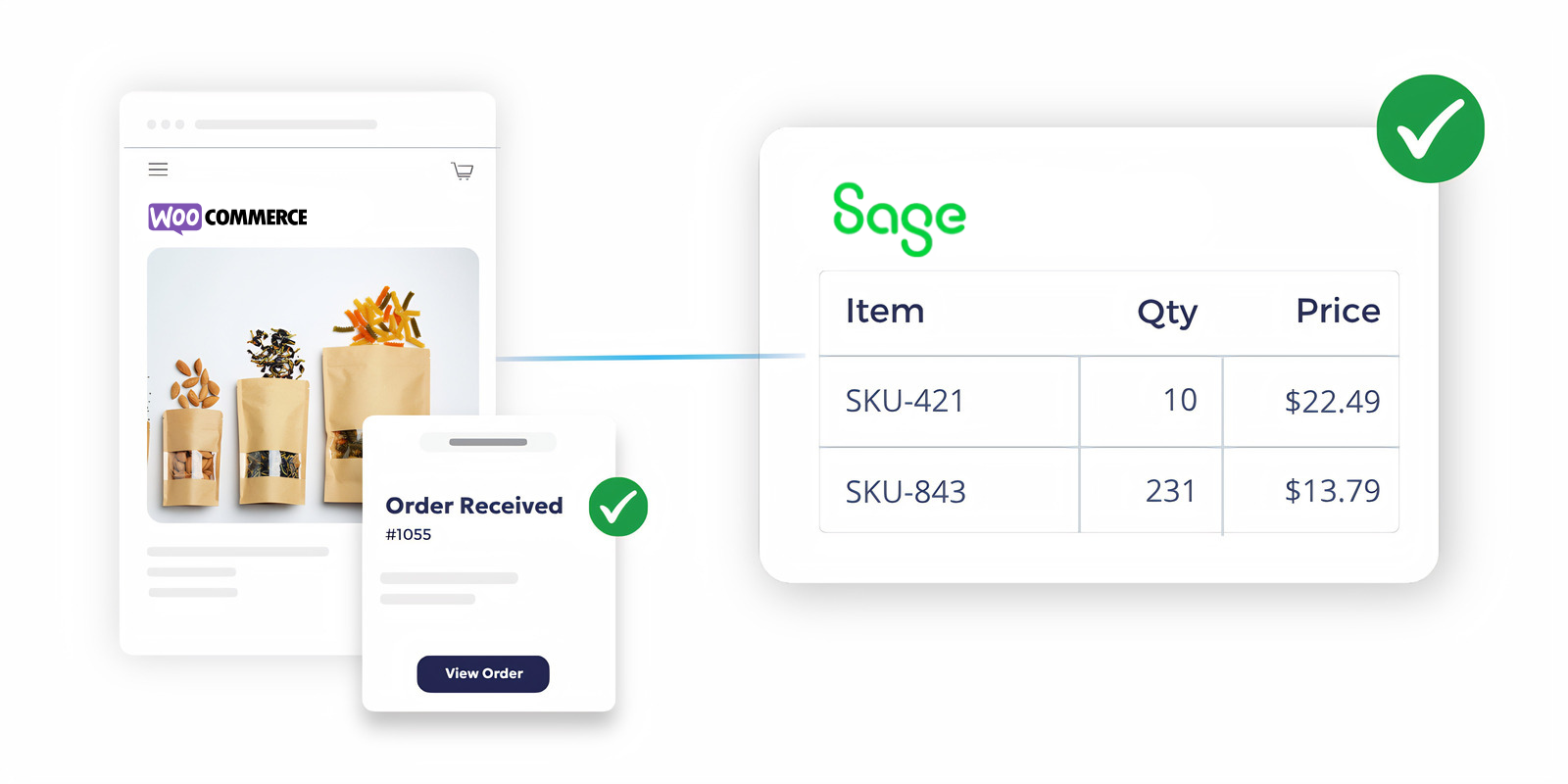
How OrderEase Connects WooCommerce Orders to Sage 50


OrderEase captures storefront order activity as it moves from WooCommerce toward the back office.
Capture WooCommerce Orders
Customer details, item records, pricing, and order structure are prepared to fit Sage 50 more cleanly.
Organize Order Data
Pricing logic, customer requirements, and order conditions are handled before the order reaches accounting.
Apply Business Rules
Incoming order data is checked so teams are working from a more usable Sage 50 record.
Validate Order Readiness
Prepared order data moves into Sage 50 with less manual correction required from the back office.
Pass Cleaner Data Into Sage 50
Accounting, operations, and fulfillment teams benefit from a cleaner handoff after the WooCommerce order enters Sage 50.
Support Downstream Teams
More ecommerce and channel
integrations you may be
interested in
Explore the integrations beyond ecommerce and see how OrderEase connects your channels and systems.




.svg.png?width=960&height=574&name=WooCommerce_logo_(2015).svg.png)






-1.png?width=127&height=114&name=Canadian%20Tire%20EDI%20logo%20(1)-1.png)
.png?width=200&height=200&name=Chewy%20EDI%20logo%20(1).png)

.png?width=200&height=200&name=Home%20Depot%20Logo%20(1).png)

.png?width=200&height=200&name=Sage%20logo%20(2).png)