<img src="https://certify.alexametrics.com/atrk.gif?account=knr3r1xk/v20jL" style="display:none" height="1" width="1" alt="">
Skip to content
ecommerce integrations

WooCommerce Sage Integration

OrderEase | Sage woocommerce integration
+
WooCommerce integrations
OrderEase connects WooCommerce to Sage and gives your team more control over how storefront orders move into accounting or ERP workflows. OrderEase helps align the two with cleaner order data, stronger mapping, and a better operational handoff.
Preconfigured connector · Established integration approach · Hands on support

Shopify - Horizontal Logo Resize
netsuite-logo-2
woocommerce-logo-color-black-squared
Go Daddy logo
Walmart Canada logo
Amazon logo
Shopify - Horizontal Logo Resize
netsuite-logo-2
woocommerce-logo-color-black-squared
Go Daddy logo
Walmart Canada logo
Amazon logo
Shopify - Horizontal Logo Resize
netsuite-logo-2
woocommerce-logo-color-black-squared
Go Daddy logo
Walmart Canada logo
Amazon logo
Shopify - Horizontal Logo Resize
netsuite-logo-2
woocommerce-logo-color-black-squared
Go Daddy logo
Walmart Canada logo
Amazon logo
Shopify - Horizontal Logo Resize
netsuite-logo-2
woocommerce-logo-color-black-squared
Go Daddy logo
Walmart Canada logo
Amazon logo
Preconfigured Connector

Why WooCommerce orders create back-office friction in Sage

WooCommerce can generate orders quickly, but fast order volume often exposes gaps in product mapping, customer structure, pricing logic, and inventory alignment. As sales grow, the burden usually shifts to the back office. Teams spend time correcting order details, checking item records, and resolving exceptions before the order can move forward cleanly. That slows processing and weakens confidence in the records downstream.
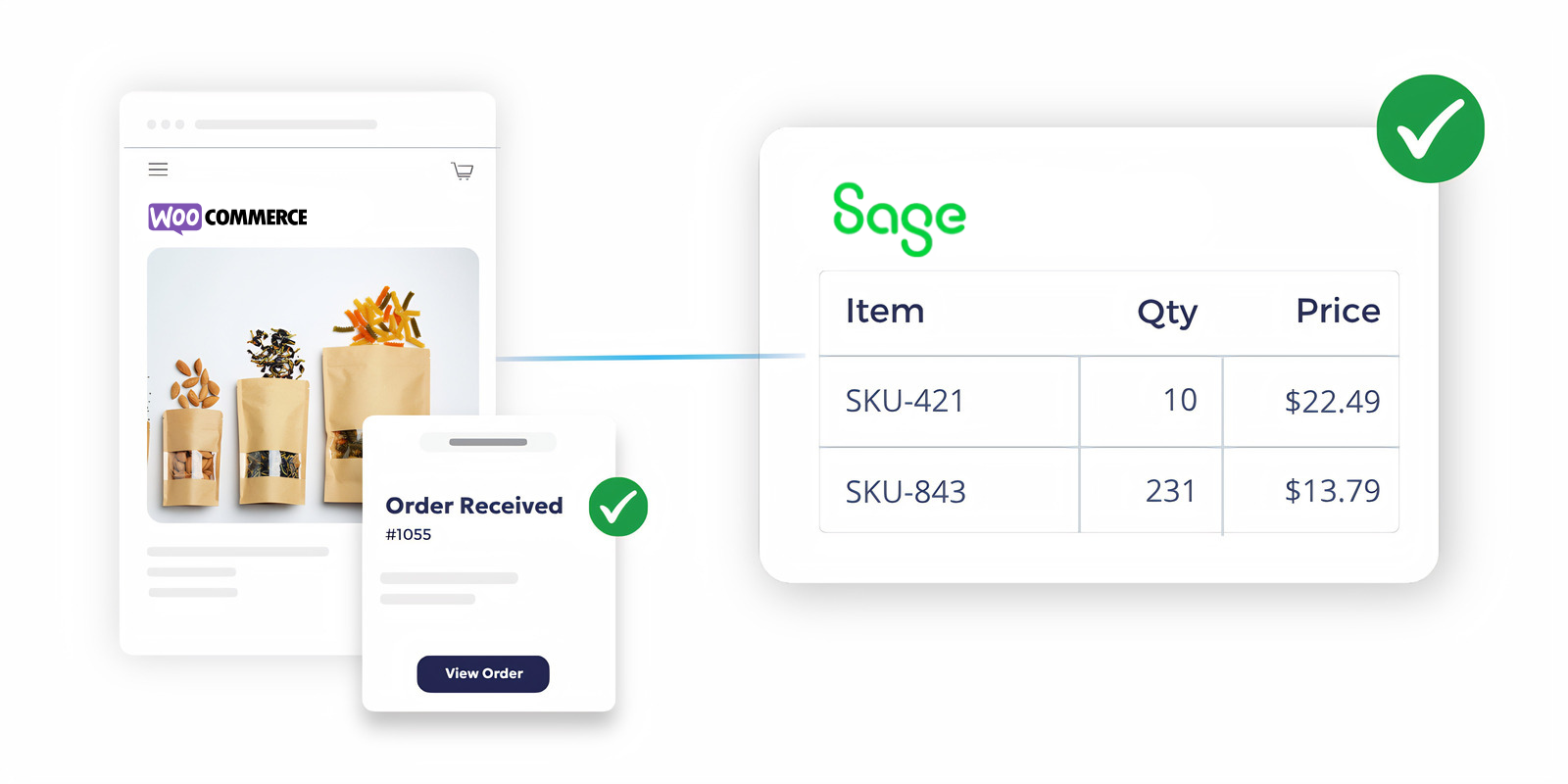
Sage + WooCommerce Integration

Key Features

WooCommerce Sage Integration Capabilities

OrderEase gives businesses a stronger foundation for order accuracy, better consistency across systems, and a more reliable connection between ecommerce activity and Sage workflows.

WooCommerce Order Capture

Capture WooCommerce orders and bring them into a structured order flow before they reach Sage.

Customer, Product & Order Mapping

Align WooCommerce customer records, product data, and order details with the structure your Sage environment expects.

Pricing & Order Logic

Support pricing rules, order conditions, and customer-specific requirements before records move into accounting or ERP workflows.

Inventory & Product Consistency

Help keep inventory, product details, and related order information better aligned across WooCommerce and Sage processes.

Cleaner Back-Office Handoff

Prepare WooCommerce order data in a way that makes downstream accounting, operations, and fulfillment easier to manage.

Growth Beyond a Basic Plugin

Support businesses that need more than a simple WooCommerce connector by adding workflow control before data enters Sage.

How OrderEase Connects WooCommerce Orders to Sage

OrderEase | Sage woocommerce integration WooCommerce integrations
The order is created in the storefront at the point of sale.
A customer places an order in WooCommerce
OrderEase | Sage woocommerce integration WooCommerce integrations
WooCommerce order activity enters a controlled workflow instead of going straight into Sage unchecked.
OrderEase captures the order data
OrderEase | Sage woocommerce integration WooCommerce integrations
OrderEase helps prepare the information so it fits the back-office structure more cleanly.
Customer, item, and pricing details are organized
OrderEase | Sage woocommerce integration WooCommerce integrations
Pricing logic, mapping rules, and workflow conditions are handled upstream.
Business rules are applied before ERP processing
OrderEase | Sage woocommerce integration WooCommerce integrations
Your team works from better-structured data with less manual correction.
Sage receives a cleaner order record
OrderEase | Sage woocommerce integration WooCommerce integrations
Accounting, fulfillment, and customer service all benefit when WooCommerce orders follow a more controlled path into Sage.
The workflow supports operations

Business Impact

Why teams use OrderEase for WooCommerce Sage Integration

OrderEase gives WooCommerce and Sage users more control over order quality before the ERP or accounting system has to absorb the problem.

Reduce manual order entry

Limit the repetitive work involved in re-entering or correcting WooCommerce orders in Sage.

Improve order accuracy

Move cleaner customer, pricing, and item data into your back-office workflow.

Support ecommerce growth

Handle increasing WooCommerce volume without creating more correction work inside Sage.

Strengthen pricing control

Support more reliable handling of pricing rules, terms, and customer-specific order requirements.

Improve inventory confidence

Create a better-connected process between storefront activity and downstream recordkeeping.

Keep Sage focused on execution

Let Sage stay the system of record while OrderEase manages the quality of incoming WooCommerce order flow.

More ecommerce and channel

integrations you may be

interested in

Explore the integrations beyond ecommerce and see how OrderEase connects your channels and systems.

WooCommerce Integration

Connect WooCommerce to your back-office workflow with cleaner order handling, stronger data structure, and less manual correction after checkout.

Sage 50 Integration

Support WooCommerce order flow into Sage 50 with better control over mapping, pricing, and order entry before records reach accounting.

Sage 100 Integration

Prepare WooCommerce orders for Sage 100 with a cleaner workflow that helps improve order accuracy and reduce downstream ERP correction work.

Sage 300 Integration

Connect WooCommerce to Sage 300 with more structured order intake, stronger back-office alignment, and better control over how order data moves into the ERP.

Frequently Asked Questions About WooCommerce Sage Integration

What is a WooCommerce Sage integration?

It connects WooCommerce with Sage so order data can move from the storefront into accounting or ERP workflows with less manual handling.

Can WooCommerce connect directly to Sage?

Some businesses use plugins or connectors, but the real requirement is not only connection. It is making sure WooCommerce order data is structured correctly before Sage receives it.

What data usually needs to be handled in a WooCommerce Sage integration?

Businesses typically care about orders, customers, products, pricing, and inventory-related data between WooCommerce and Sage workflows.

Why is a basic connector often not enough?

Because order transfer alone does not solve mapping issues, pricing logic, customer-specific rules, or the cleanup work created when bad records reach Sage.

Does OrderEase replace WooCommerce or Sage?

No. WooCommerce remains the storefront, and Sage remains the accounting or ERP system of record. OrderEase controls how order data moves between them.

What businesses is this best for?

It is best for sellers using Sage that need cleaner WooCommerce order flow into the ERP as digital sales grow.

Let's Discuss Your Integration Needs