QuickBooks Online WooCommerce Integration



.png?width=300&name=Amazon%20logo%2c%20OrderEase%20Order%20Automation%20(1).png)


.png?width=300&name=Amazon%20logo%2c%20OrderEase%20Order%20Automation%20(1).png)


.png?width=300&name=Amazon%20logo%2c%20OrderEase%20Order%20Automation%20(1).png)


.png?width=300&name=Amazon%20logo%2c%20OrderEase%20Order%20Automation%20(1).png)


.png?width=300&name=Amazon%20logo%2c%20OrderEase%20Order%20Automation%20(1).png)
Connect WooCommerce and QuickBooks Online with one controlled workflow
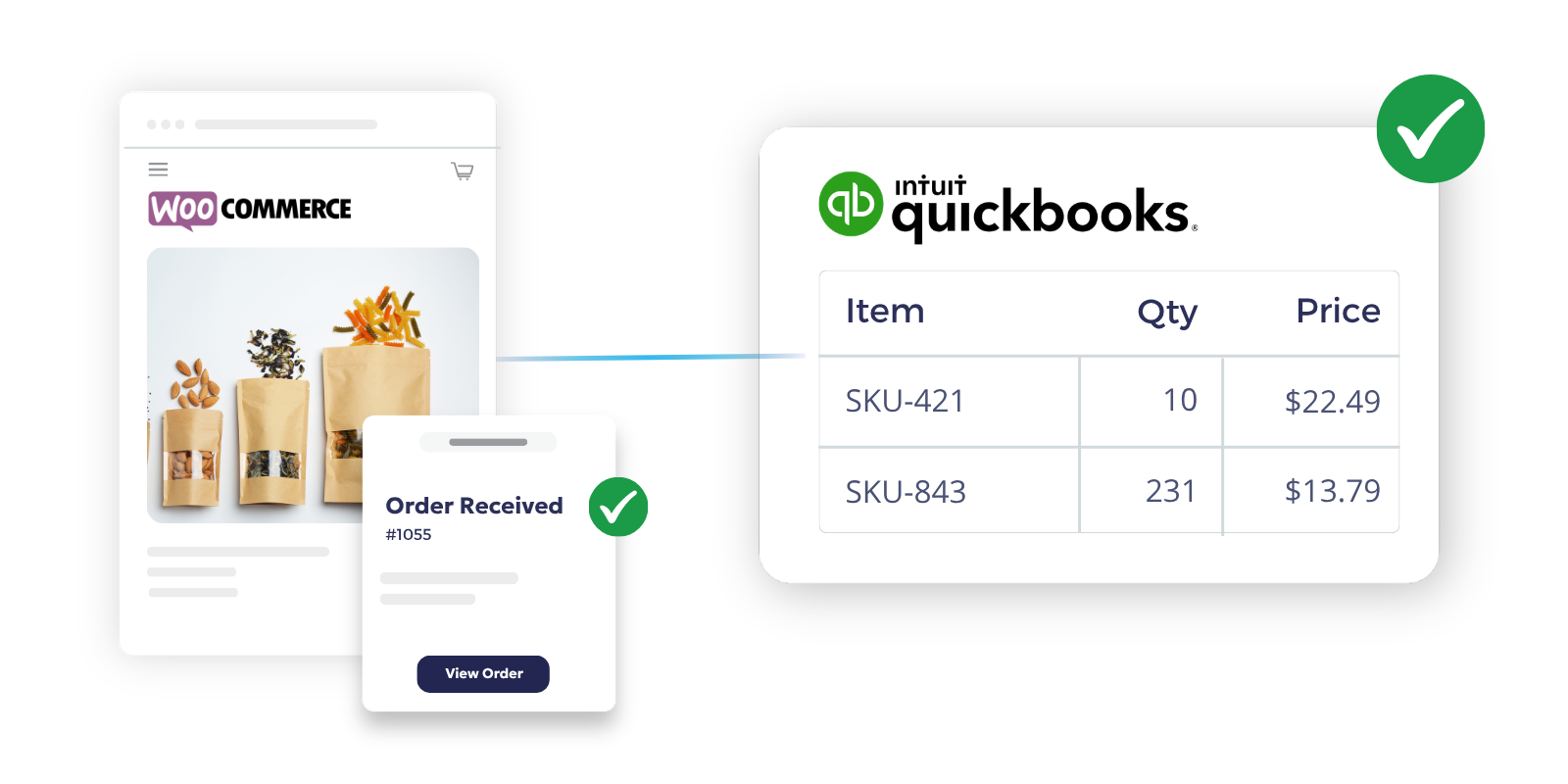
WooCommerce manages the storefront. It handles product pages, online pricing, checkout, and order status. QuickBooks Online manages the accounting record. OrderEase connects the two. It captures WooCommerce orders when they reach the status you choose, then posts them to QuickBooks Online.
That gives operations control over when an order is ready to move forward, and gives finance control over how it appears in QuickBooks Online. Orders can be created in QBO as an Invoice or an Estimate, based on your workflow.
WooCommerce + QuickBooks Online Integration Capabilities
Order Sync
Capture WooCommerce orders when they reach the status you choose. Post them to QuickBooks Online when they reach the OrderEase status your team uses for accounting handoff.
Product & SKU Sync
Keep WooCommerce product data structured, mapping titles, SKUs, descriptions, categories, vendors, fulfillment sources, status, and online prices before it reaches accounting.
Inventory Updates
Centralize inventory updates in one workflow. WooCommerce updates the store, and QBO can sync inventory to OrderEase on its own schedule.
Pricing & Margins
Publish products only when store pricing is ready. A product must have Online Retail Price populated to appear on WooCommerce.
Customer Data Sync
Keep customer records more consistent from checkout to accounting. QBO customer data can sync into OrderEase, and orders can be rejected if customer handling rules are not met.
Financial Mapping
Choose how orders appear in QuickBooks Online. OrderEase supports Invoice or Estimate creation, plus options for shipping costs, PO mapping, invoice date behavior, and tax handling.
Automate Order to Cash Between WooCommerce and QuickBooks Online

Benefits of Connecting QuickBooks Online and WooCommerce with OrderEase
When WooCommerce and QuickBooks Online aren’t in sync, your team has to correct the same order in more than one system. OrderEase solves this by automatically moving order, item, pricing, and customer data through a single, consistent workflow.
Cut manual posting work
Stop rebuilding WooCommerce orders inside QuickBooks Online. Let OrderEase create the QBO document based on the workflow you set.
Reduce reconciliation cleanup
Bad product, customer, or pricing data creates downstream problems. OrderEase helps control those fields before the order reaches accounting.
Keep operations and finance aligned
WooCommerce should manage the storefront. QuickBooks Online should manage invoices, estimates, and accounting records.
Improve order visibility
See what entered OrderEase, what posted to QBO, and what still needs review. That turns sync issues into exception handling instead of guesswork.
Support your real workflow
Some teams want invoices right away. Others want estimates first, then billing later. OrderEase supports both.
Handle growth
As order volume rises, manual entry becomes the bottleneck. OrderEase automates repeatable posting while keeping manual controls available.
Frequently Asked Questions About WooCommerce QuickBooks Online Integration
OrderEase captures WooCommerce orders using a selected status trigger, then posts them to QuickBooks Online when the OrderEase order reaches the configured posting status. QBO receives the order as an Invoice or Estimate based on your setup.
Yes. WooCommerce order intake can be event-driven through webhook status rules, and QBO posting runs in real time when the OrderEase order reaches the selected status. Manual Sync Now controls are also available.
Yes. OrderEase can create the QBO record as an Invoice or an Estimate. The QBO guide is explicit that it does not create sales orders.
This workflow can include orders, products, customers, pricing, inventory, shipping-related fields, and invoice data depending on the settings you enable. Product, customer, and inventory pulls from QBO also have their own sync behavior.
Order posting from OrderEase to QBO can happen in real time. Some other sync types, like product, inventory, and customer pulls from QuickBooks, run daily at 1:00 AM ET and also support manual Sync Now actions.
Do not assume payment sync. The internal QBO documentation says payments are applied and managed in QuickBooks, and payment transfer should not be claimed as part of this workflow.