


















Check before you confirm
OrderEase never confirms an Ariba order on its own, so your team reviews each one first.
Turn PDF purchase orders into ERP-ready sales orders.
Explore AI PDF →Follow an order from intake to ERP.
See how orders are checked and routed.
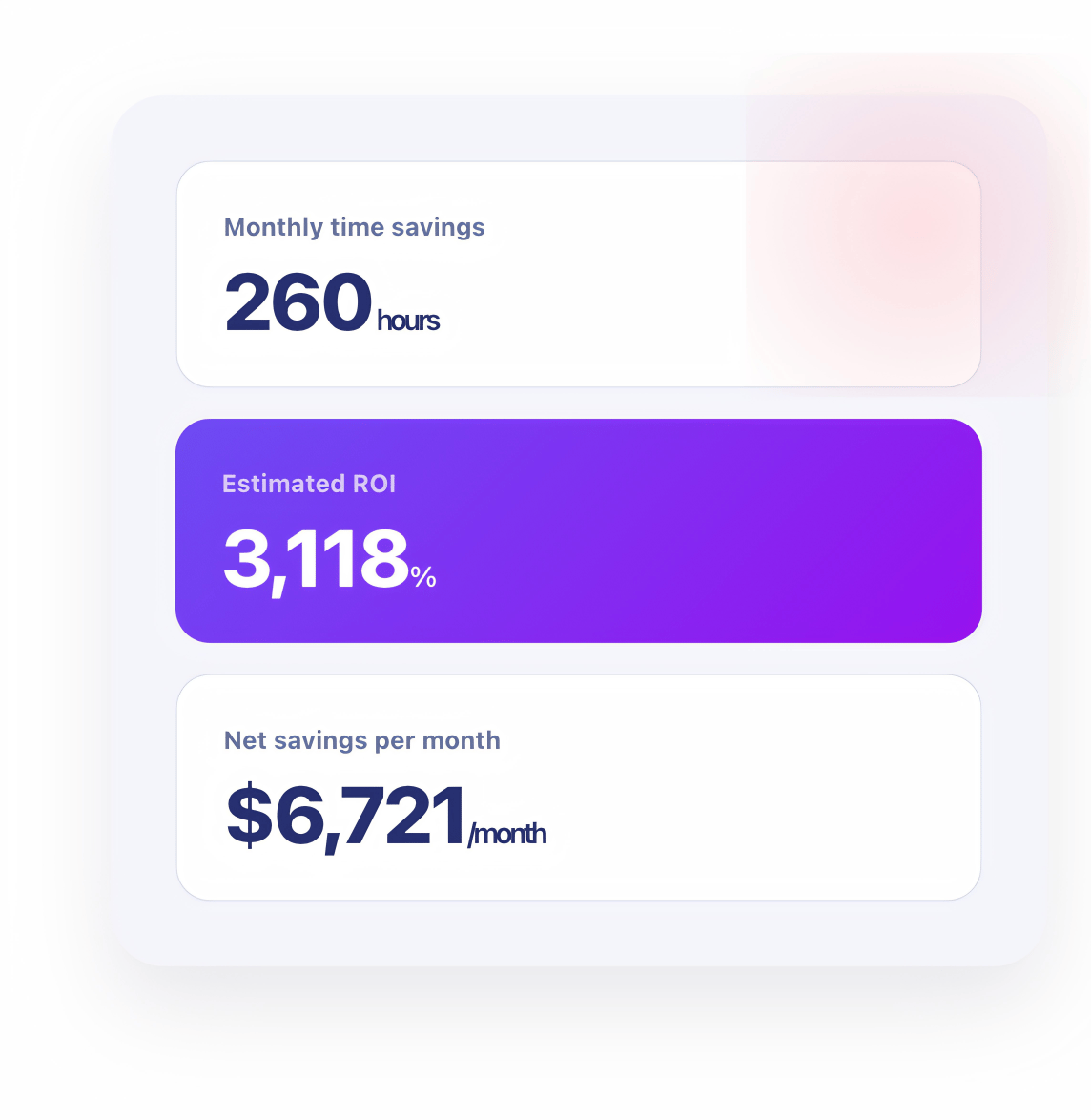
Enter your order volume, staff and channels to see hours saved and net monthly savings.
-2.png?width=2288&height=2348&name=Untitled%20design%20(7)-2.png)
No manual entry for Ariba POs
OrderEase receives each approved Ariba purchase order and sends your confirmation, ship notices and invoices back through SAP Business Network.
Talk to an integration specialist

SAP Ariba
Sends your customer's approved purchase orders

Every Ariba purchase order takes the same 4 steps, from your customer's cart to your confirmation.
Your customer shops your catalog, then Ariba sends the approved PO.
Each PO line's part number is matched to your SKUs.
PO quantities and prices update the cart, then it's submitted.
Your confirmation goes to Ariba once you confirm the order.
Each type of data has its own direction, trigger and timing.
| Data | Direction | Trigger | Timing |
|---|---|---|---|
| PunchOut cart | OrderEase → SAP Ariba | Return to Ariba clicked | Automatic |
| Purchase orders | SAP Ariba → OrderEase | PO approved in Ariba | Automatic |
| PO changes and cancellations | SAP Ariba → OrderEase | PO changed or cancelled in Ariba | Before you confirm, or held for review after |
| Order confirmations | OrderEase → SAP Ariba | Order reaches your chosen status | Automatic |
| Ship notices | OrderEase → SAP Ariba | Order shipped or partly shipped | Automatic |
| Invoices | OrderEase → SAP Ariba | Invoice created, sent or paid | Automatic |
| Catalog | OrderEase → SAP Ariba | Scheduled upload, or Sync Now | Scheduled or on demand |
Each document type has its own settings, and you turn each one on separately.
OrderEase never confirms an Ariba order on its own, so your team reviews each one first.
A PO changed after you confirm goes on hold with an email, instead of rewriting the order.
By default, a PO line with a part number that isn't in OrderEase stops the order before it's created.
Ship notices and invoices go to Ariba from the shipments and invoices you create in OrderEase.
Each Ariba PO becomes an OrderEase order, so it moves through your ERP and shipping tools like any other order.

QuickBooks Online
View integration
Accounting
Spire
View integration
ERP
Sage 300
View integration
ERP
ShipWise
View integration
Fulfillment & Inventory
Microsoft Dynamics 365
View integration
ERP
ShipStation
View integration
Fulfillment & Inventory
NetSuite
View integration
ERP
Blue Link
View integration
ERP
Stallion Express
View integration
Fulfillment & Inventory
QuickBooks Desktop
View integration
Accounting
Finale Inventory
Fulfillment & Inventory

Sage 50 Canada
Accounting
SOS Inventory
Fulfillment & Inventory

Odoo
View integration
ERP
VeraCore
Fulfillment & Inventory
Logiwa
View integration
Fulfillment & Inventory
Zoho Books
View integration
Accounting
ProPack
Fulfillment & Inventory

Extensiv 3PL Central
Fulfillment & Inventory
Xero
View integration
Accounting
Tell us where your orders come from. We’ll walk through the SAP Ariba connection on a 30-minute call.
We use your details to schedule the call. Privacy policy
Leave the call knowing which IDs and approvals to request from the company you sell to.
Book a demo